
Left Sidebar
JM Admin plugin released
JM Admin plugin released
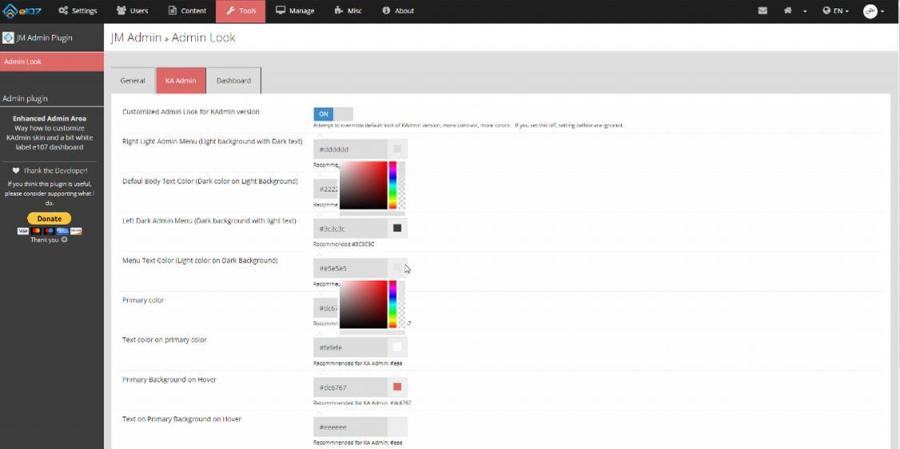
JM Admin plugin is a simple plugin for customization of the admin area look.
This functionality was initially been part of the JM Core plugin, but this plugin is used only for the quick fix of some things, and it is not recommended to use on live site.
TAB GENERAL
General settings work for any admin skin:
- you can display main menu titles on larger devices
- you can switch from tooltips to more visible help display

DASHBOARD TAB
The next settings work only for KAdmin skin and flex layout.
This was used when I needed a white labeling admin dashboard.
- you can hide statistic graph
- you can hide e107 blog news (and you plugins take full screen width)
- you can hide e107 links in user profile on right side

KA Admin TAB
Warning: I fixed only problems I noticed. The main goal was to add more contrast and colors to the light admin area. I know that it is KAdmin skin, I am just used to mark is as KA, so label it KA admin.
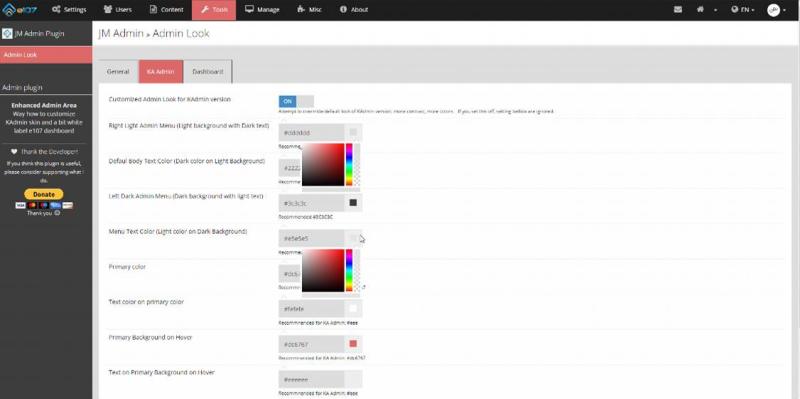
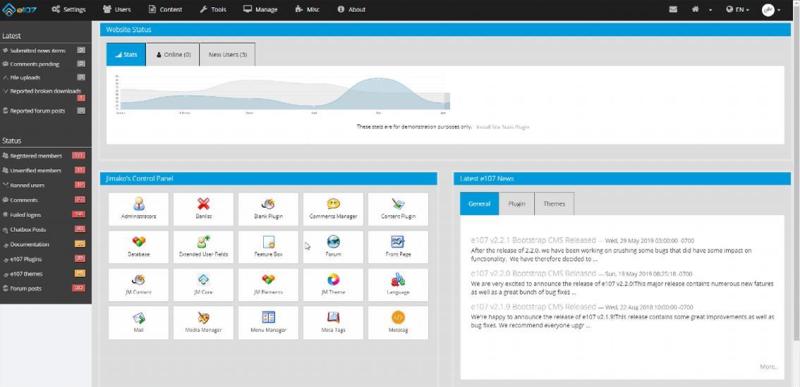
As soon you set ON default settings, you will see the difference.
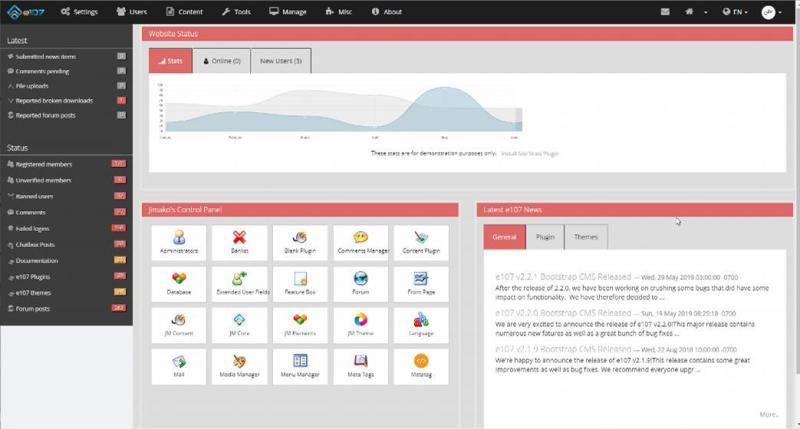
When you set your own colors, your admin can look:
You can download this plugin from Download section (the same rule - members with e107 Real User class - you can set it in your profile)
Account
Right Sidebar
 .
.


0 Comments